1. Wallet Apple version download

2. Open the built-in browser
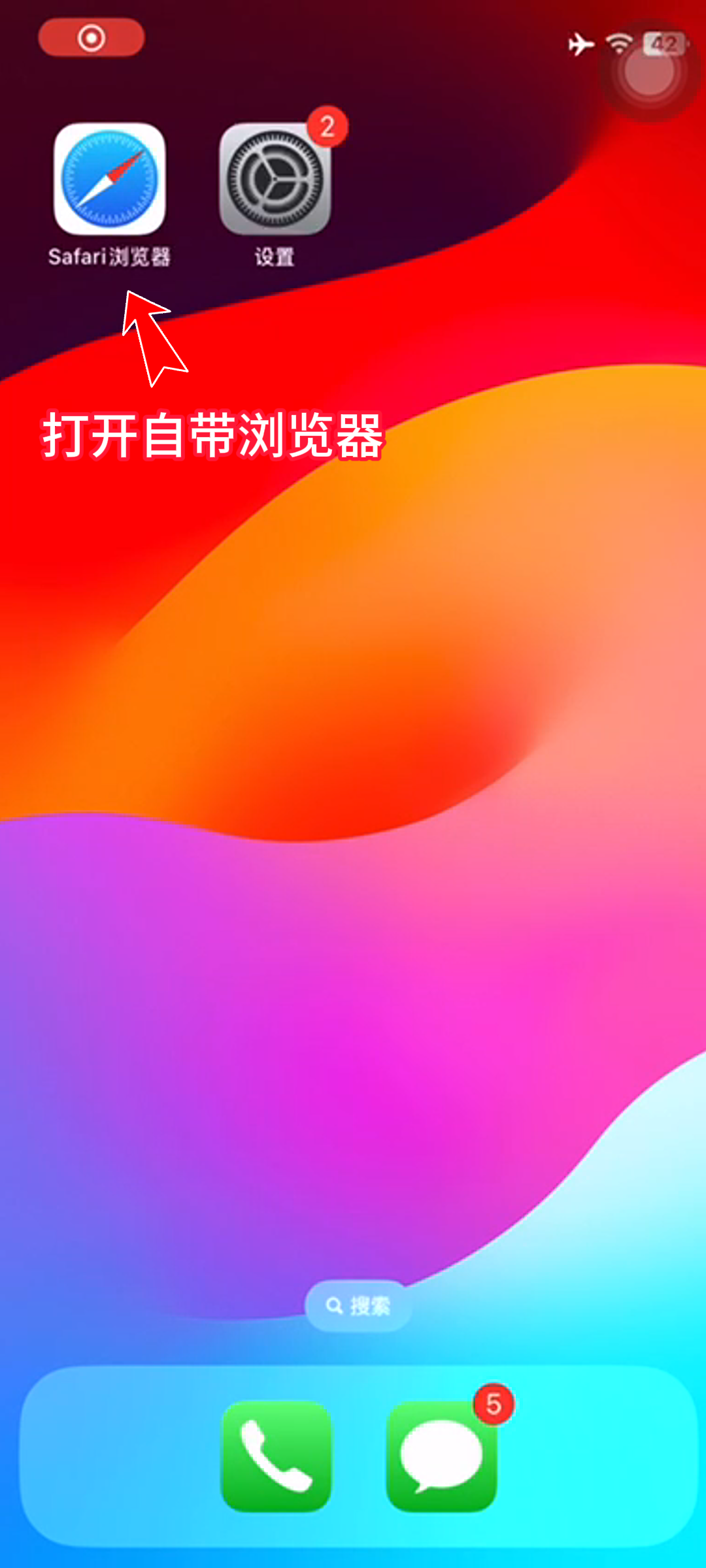
3. Enter the wallet official website

4. Click to download on IOS side

5. Click on IOS self-signed version to download

6. Click to download the IOS bookmark version

7. Click Allow

8. Close and return to the mobile desktop

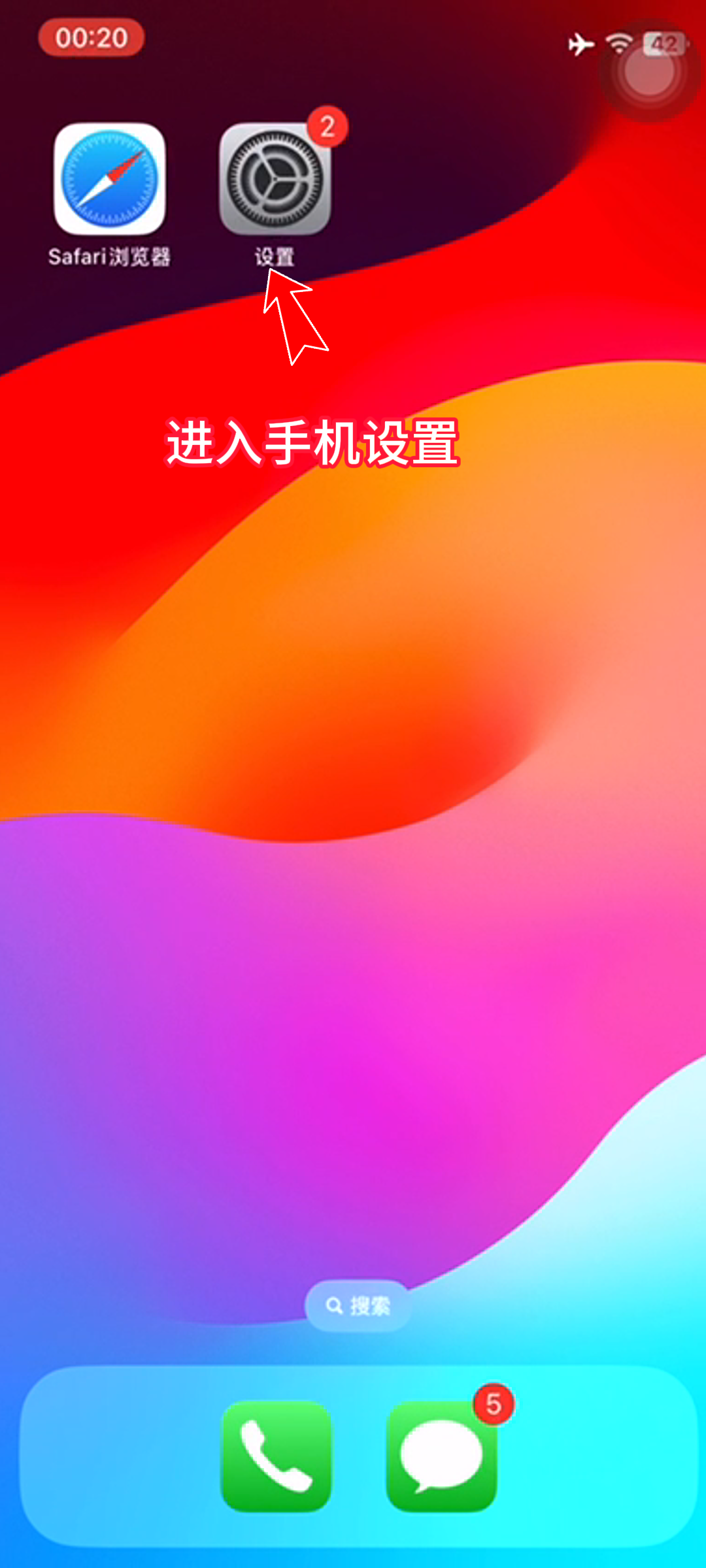
9. Enter the phone settings
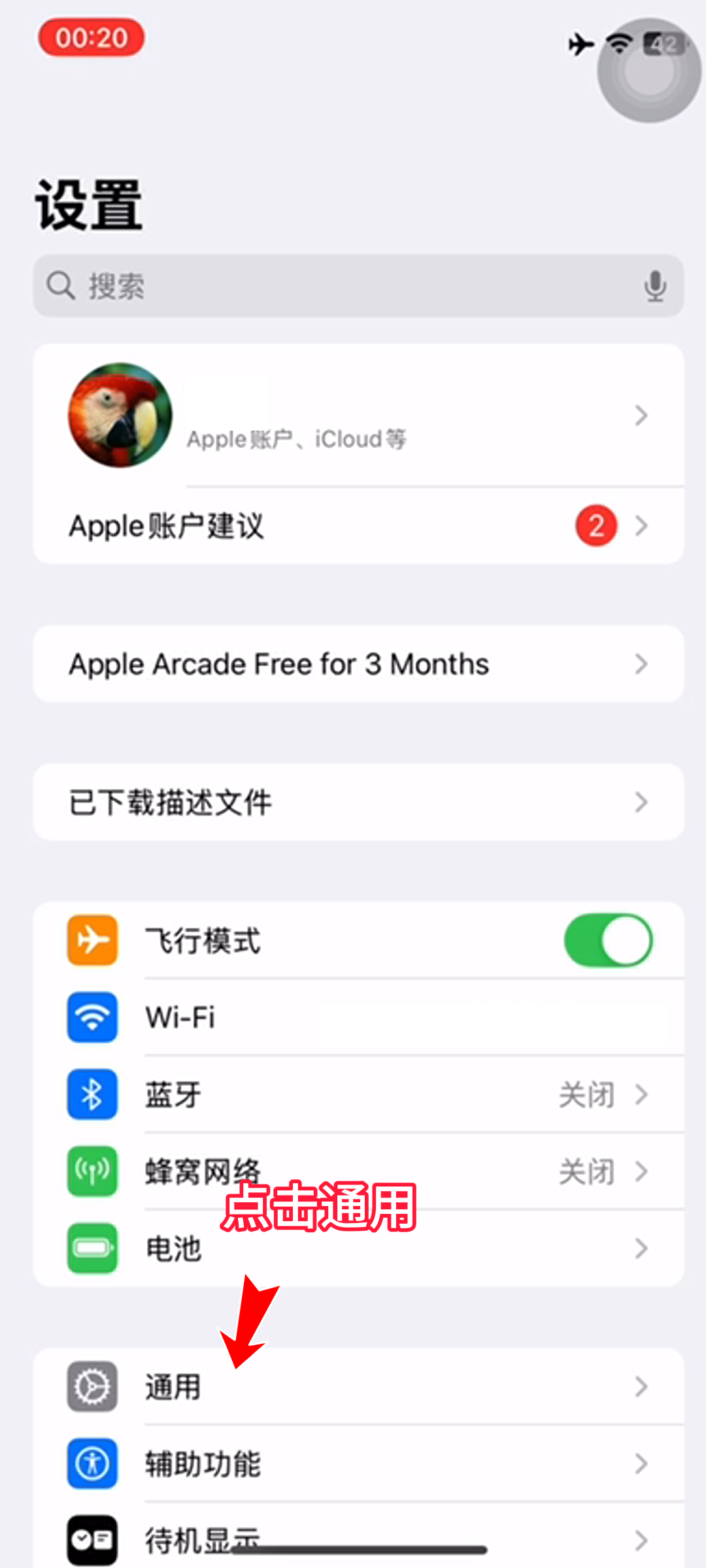
10. Click General
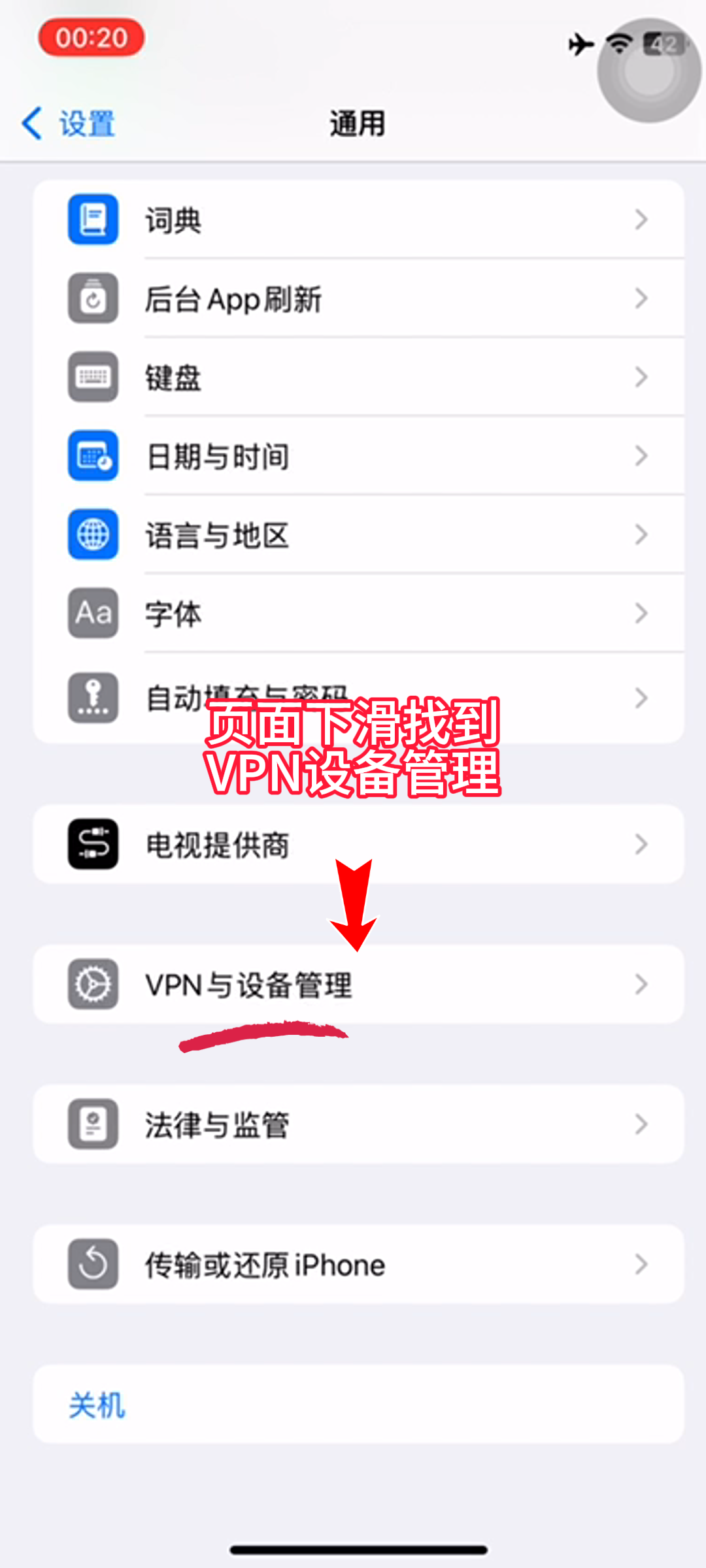
11. Click VPN and Device Management
12. Click to proceed to the next step
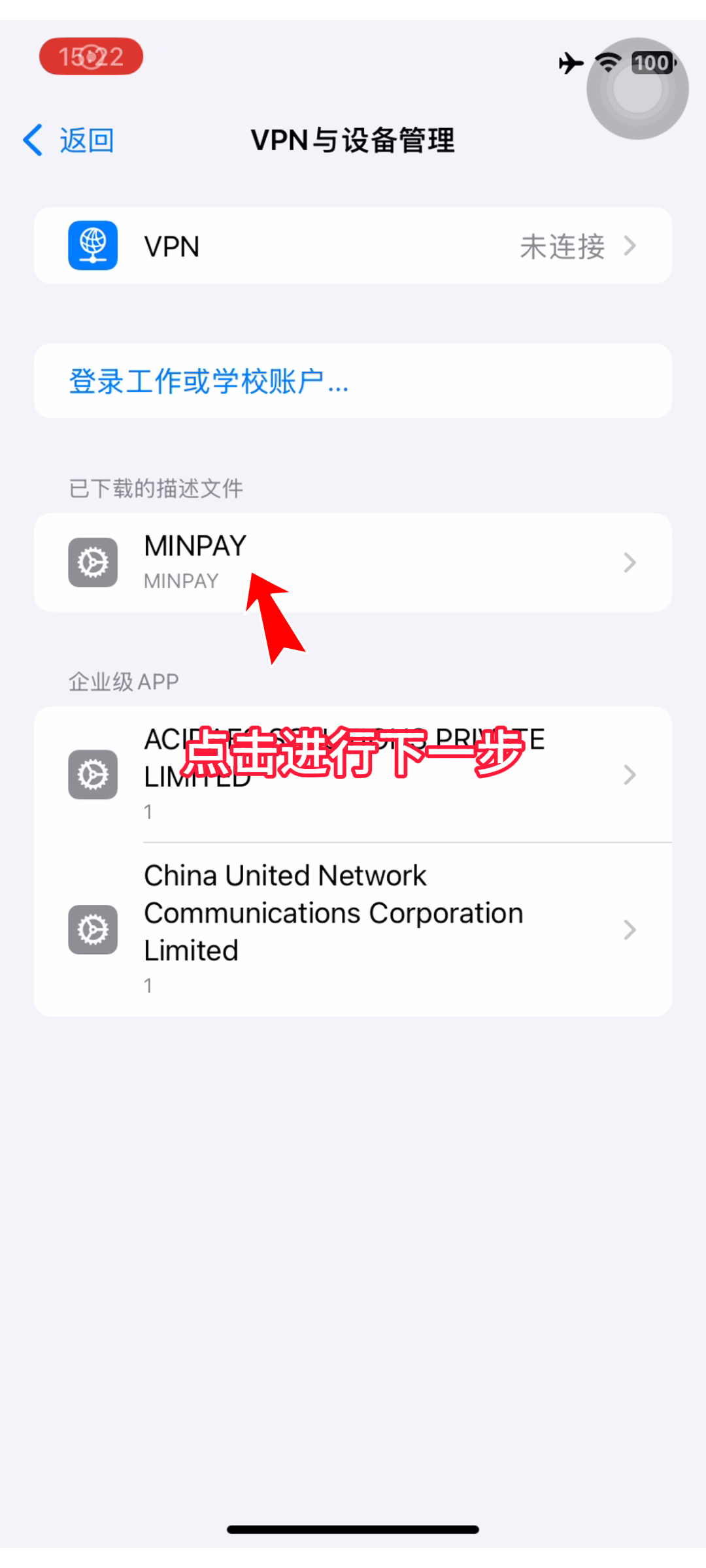
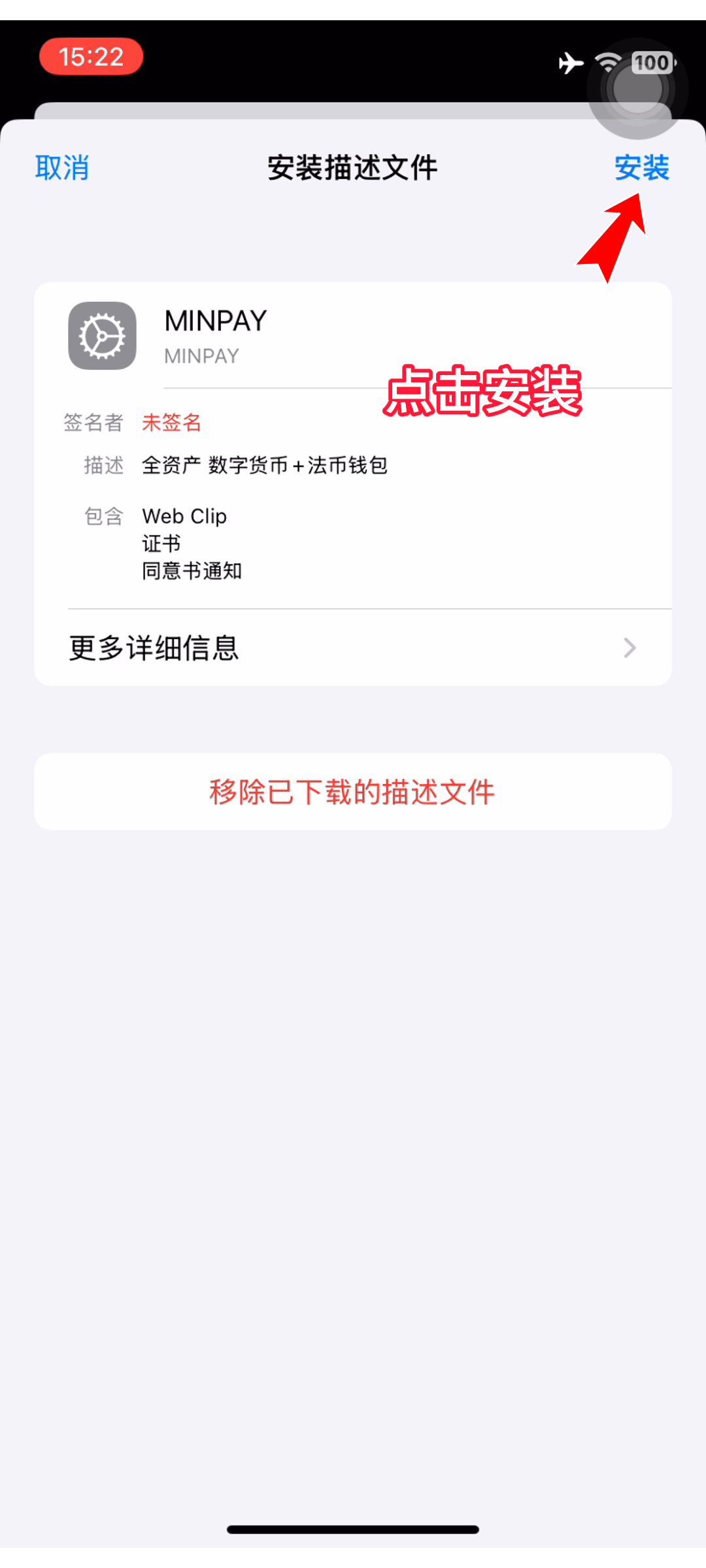
13. Click to install
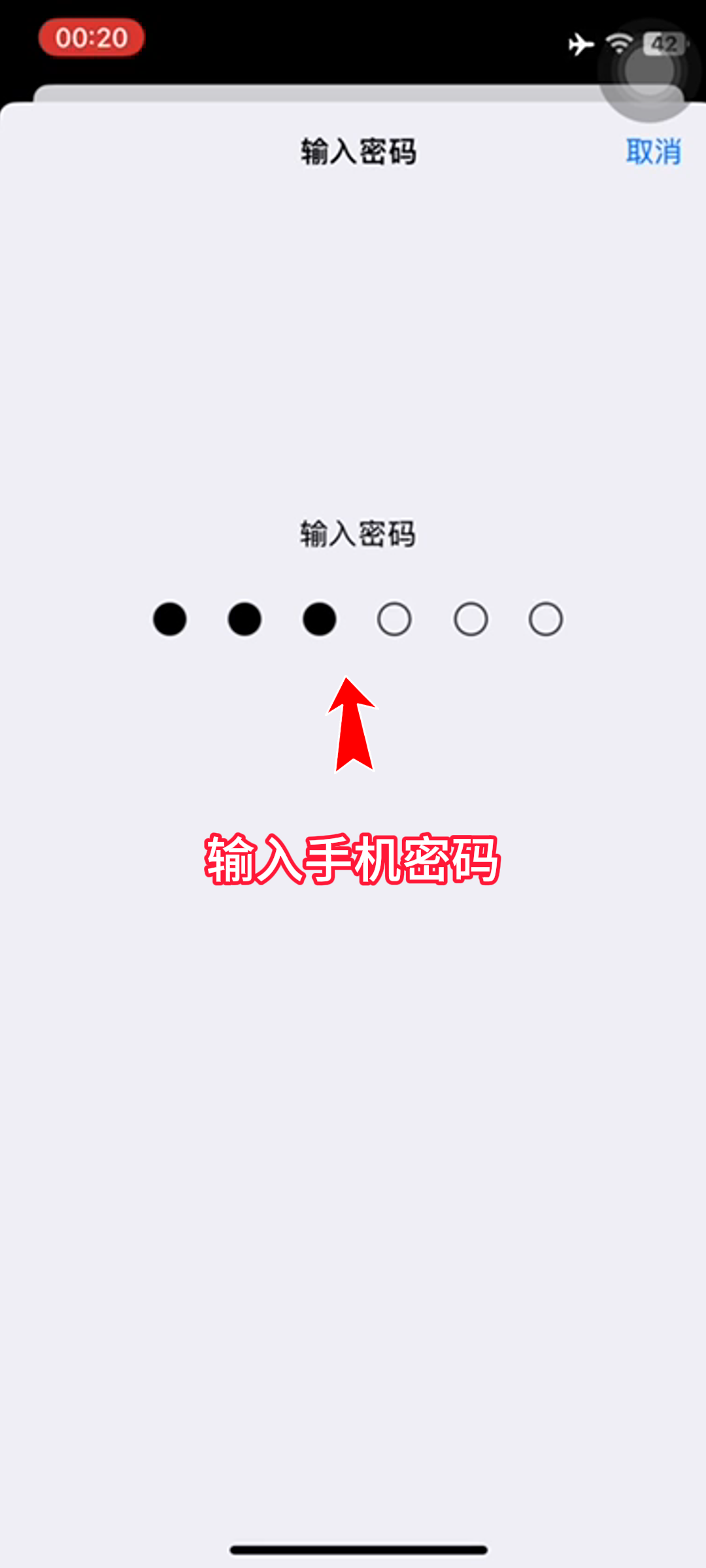
14. Enter mobile phone password
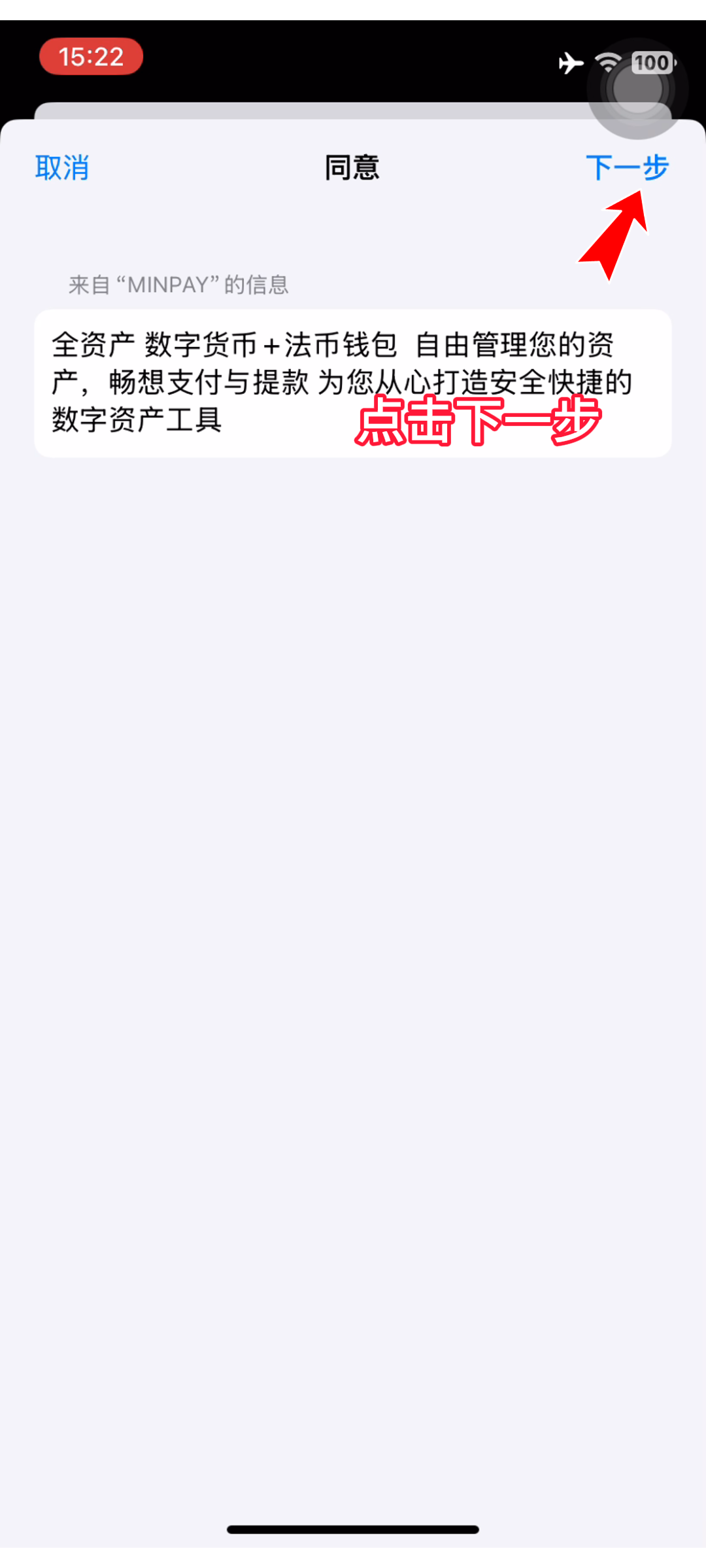
15. Click Next
16. Confirm installation
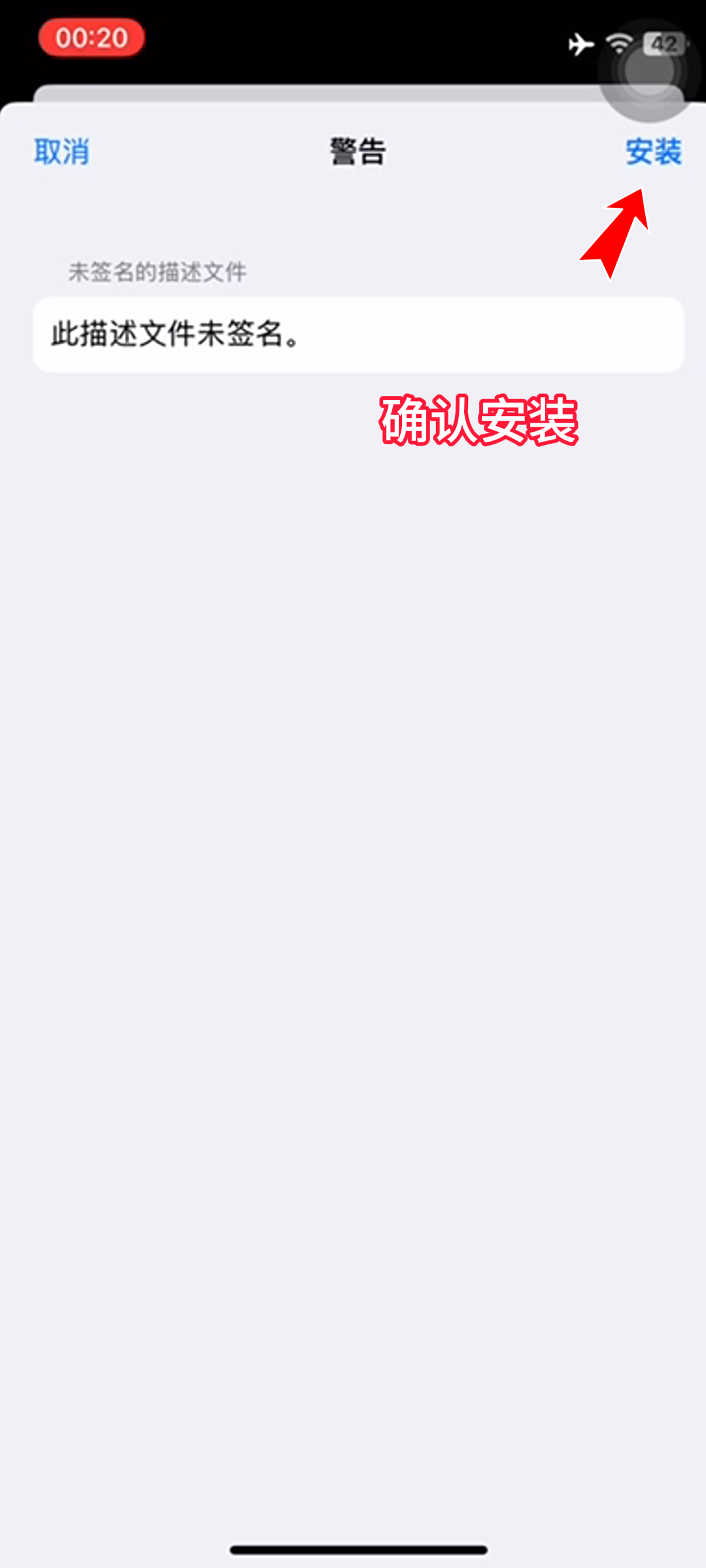
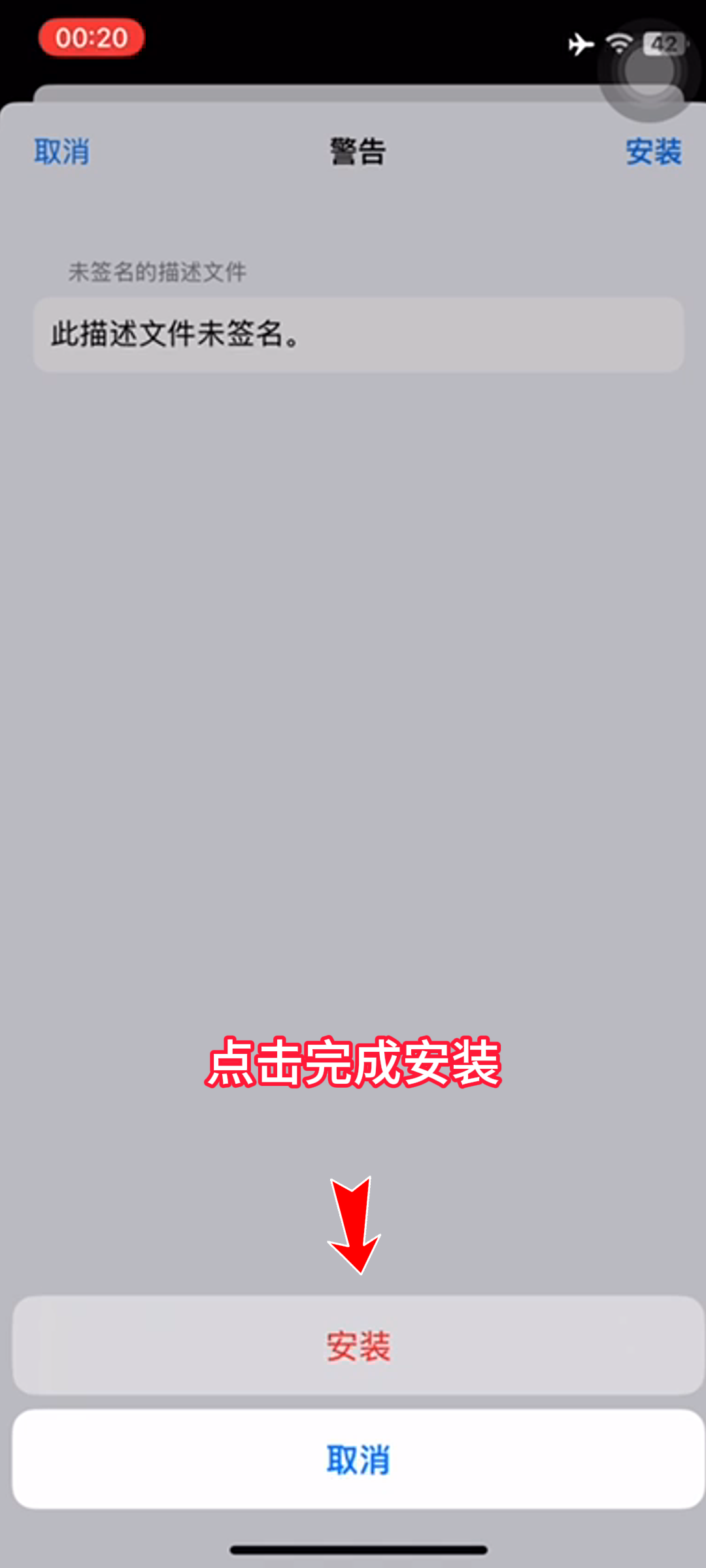
17. Click to complete the installation
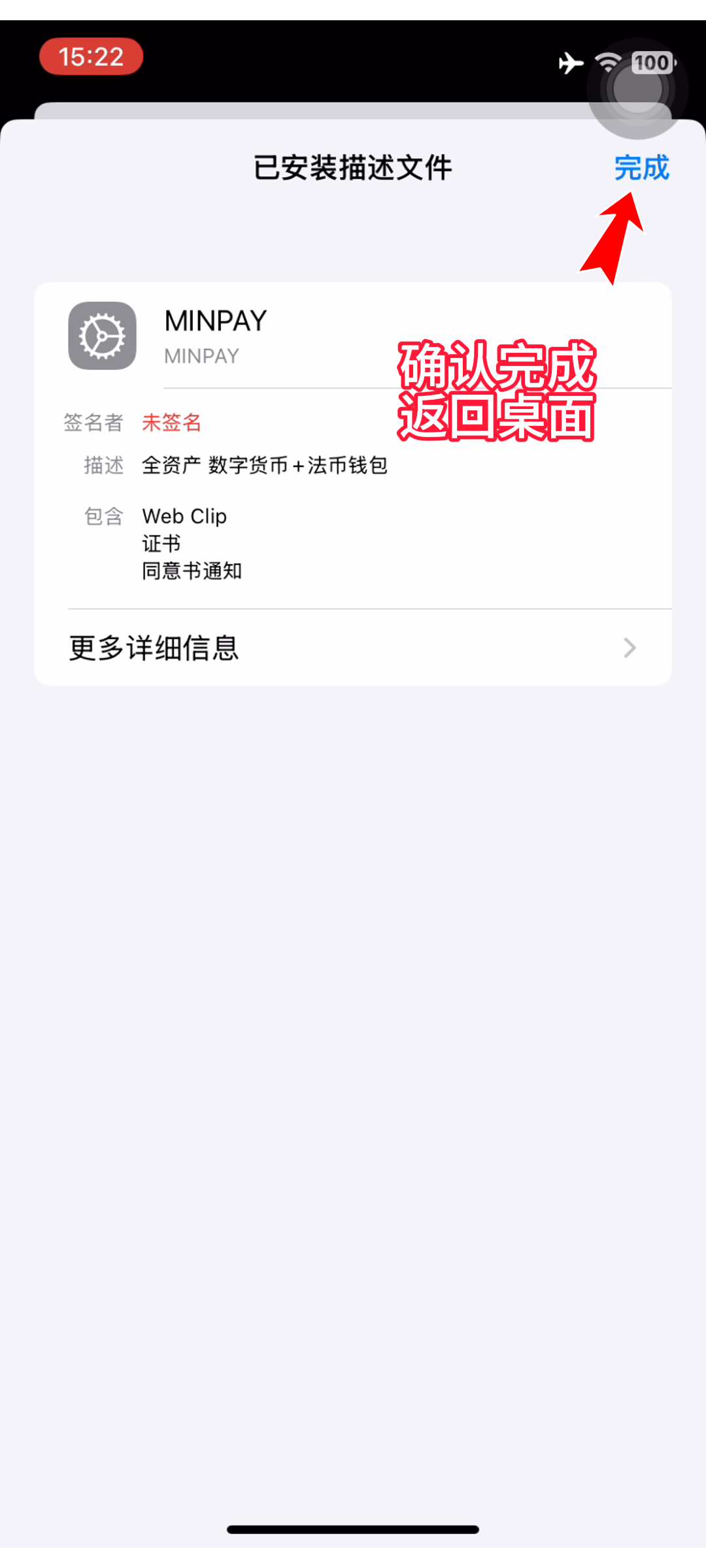
18. Confirm completion and return to the desktop
19. Start the wallet journey
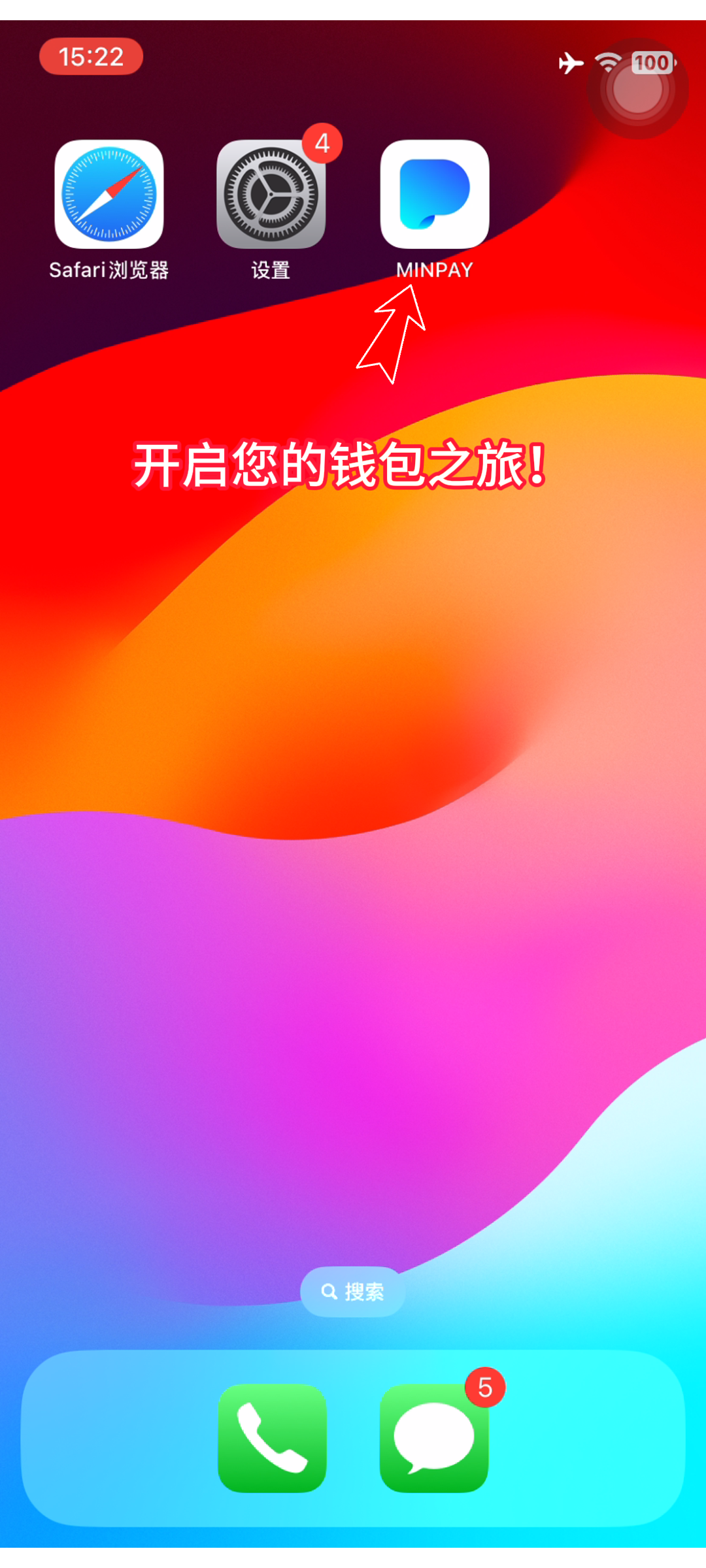
20. Start your wallet journey