1-Android download
1. Wallet Android download

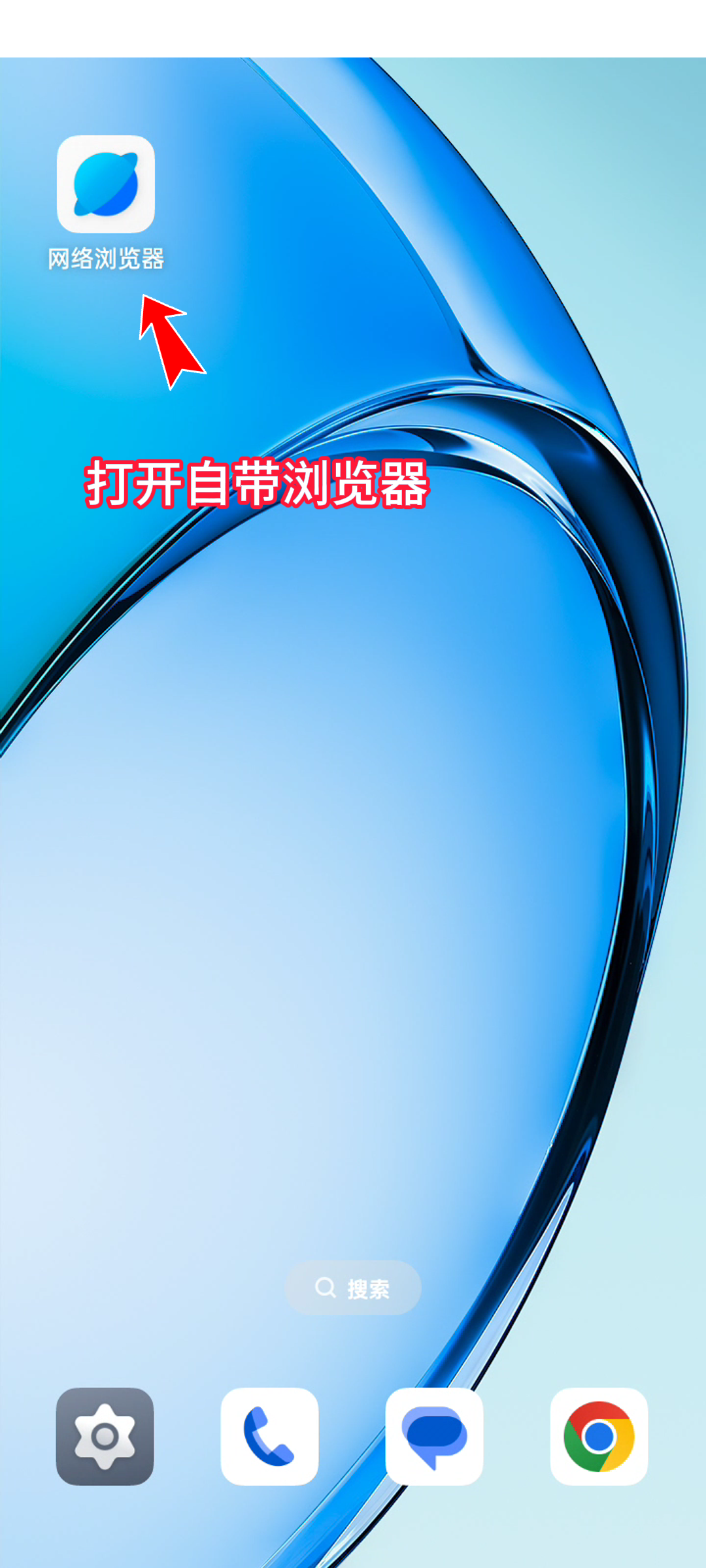
2. Open the built-in browser
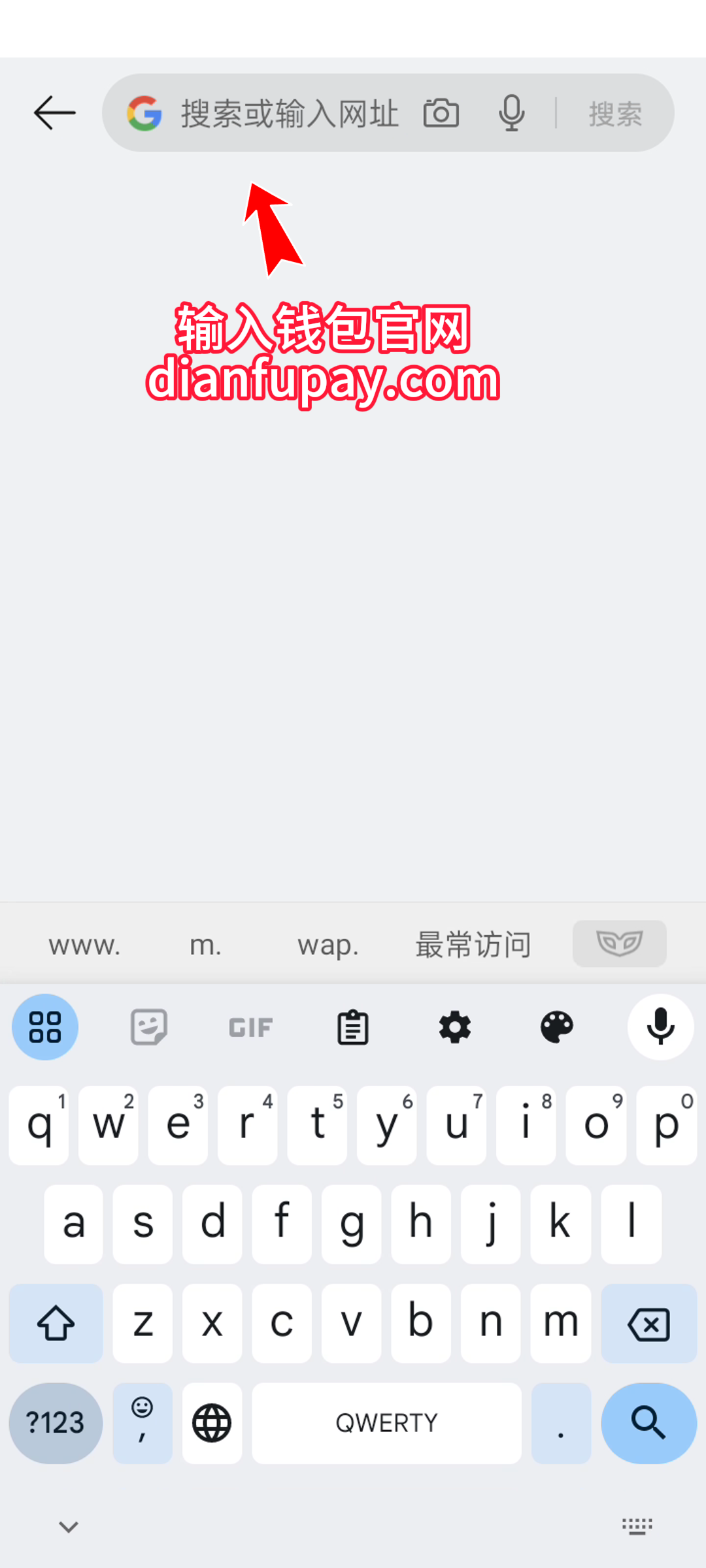
3. Enter the wallet official website
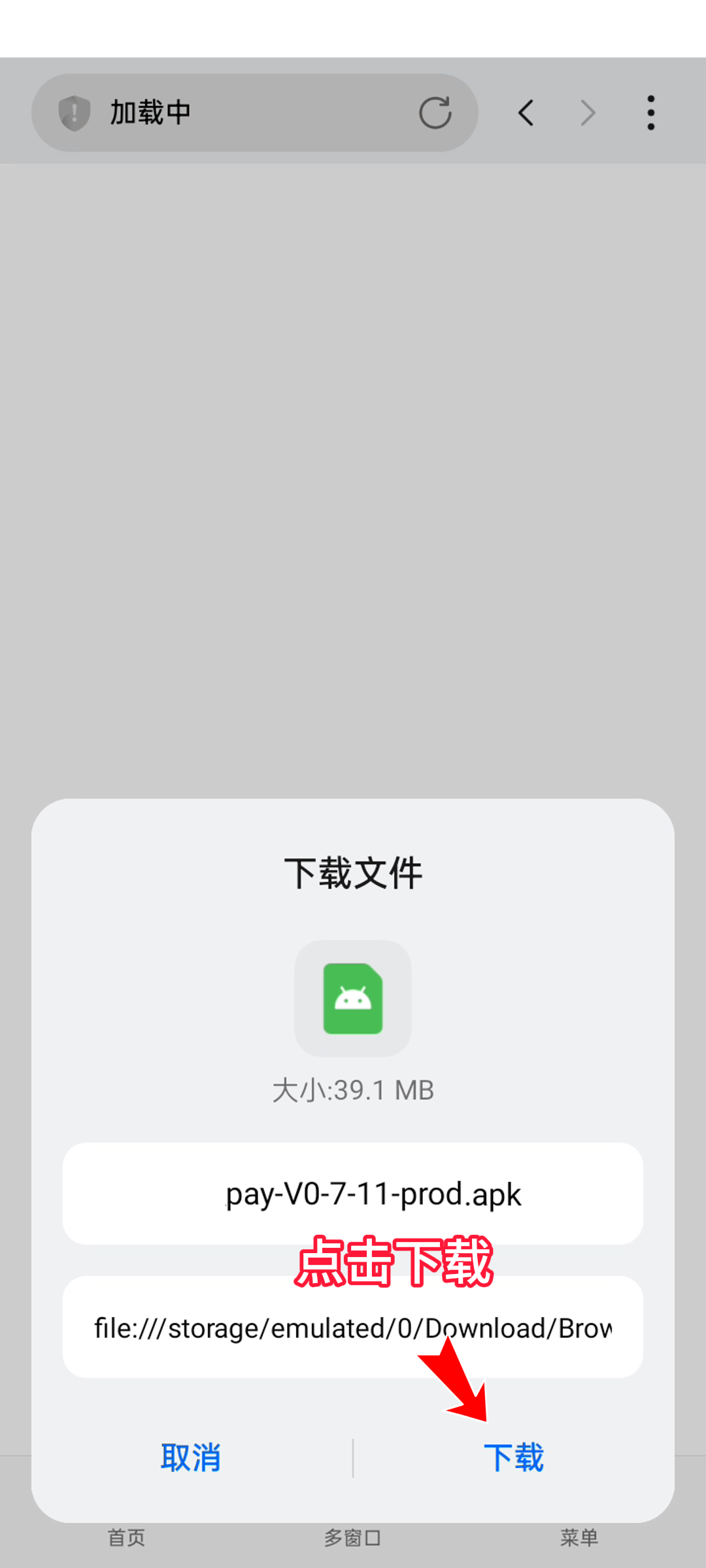
4. Click to download the installation package

5. Click to download
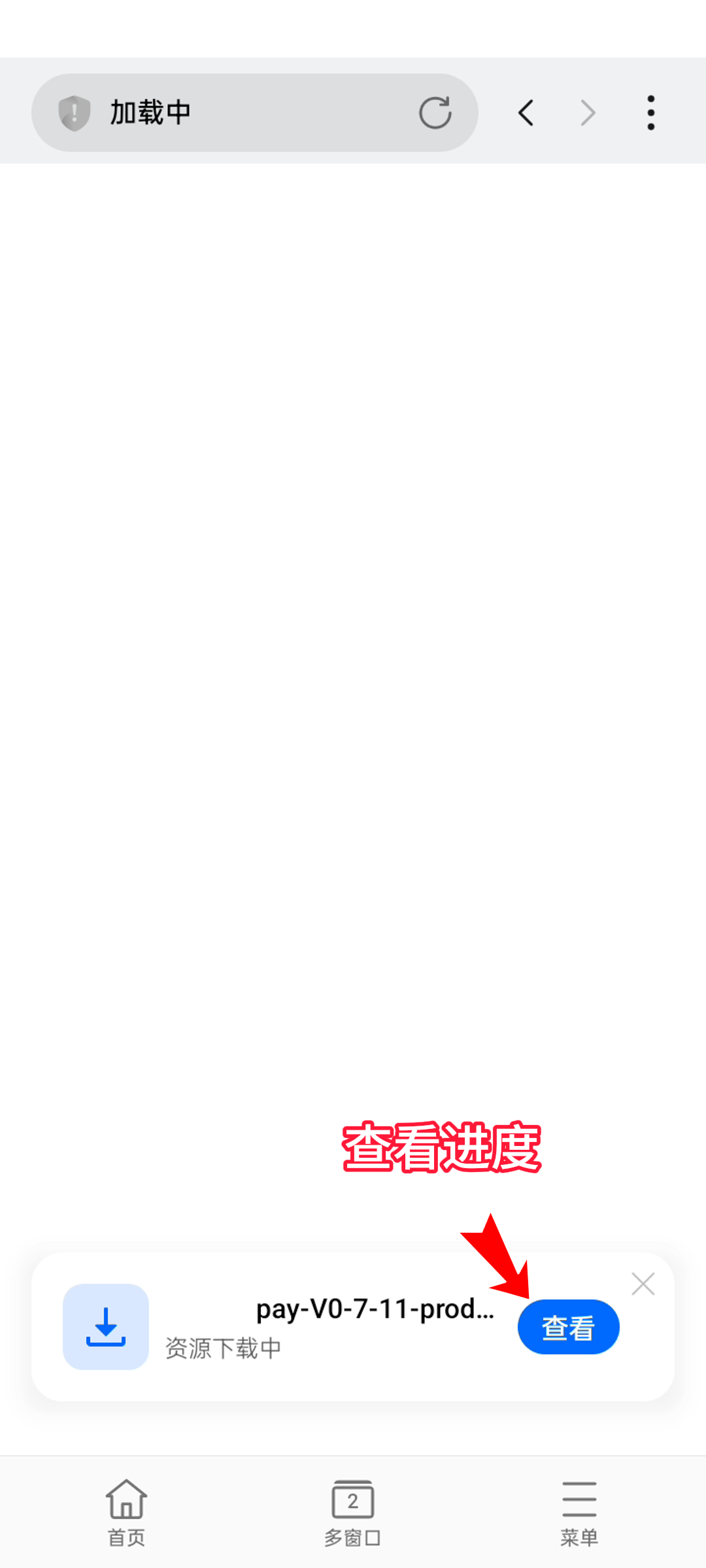
6. Check the progress
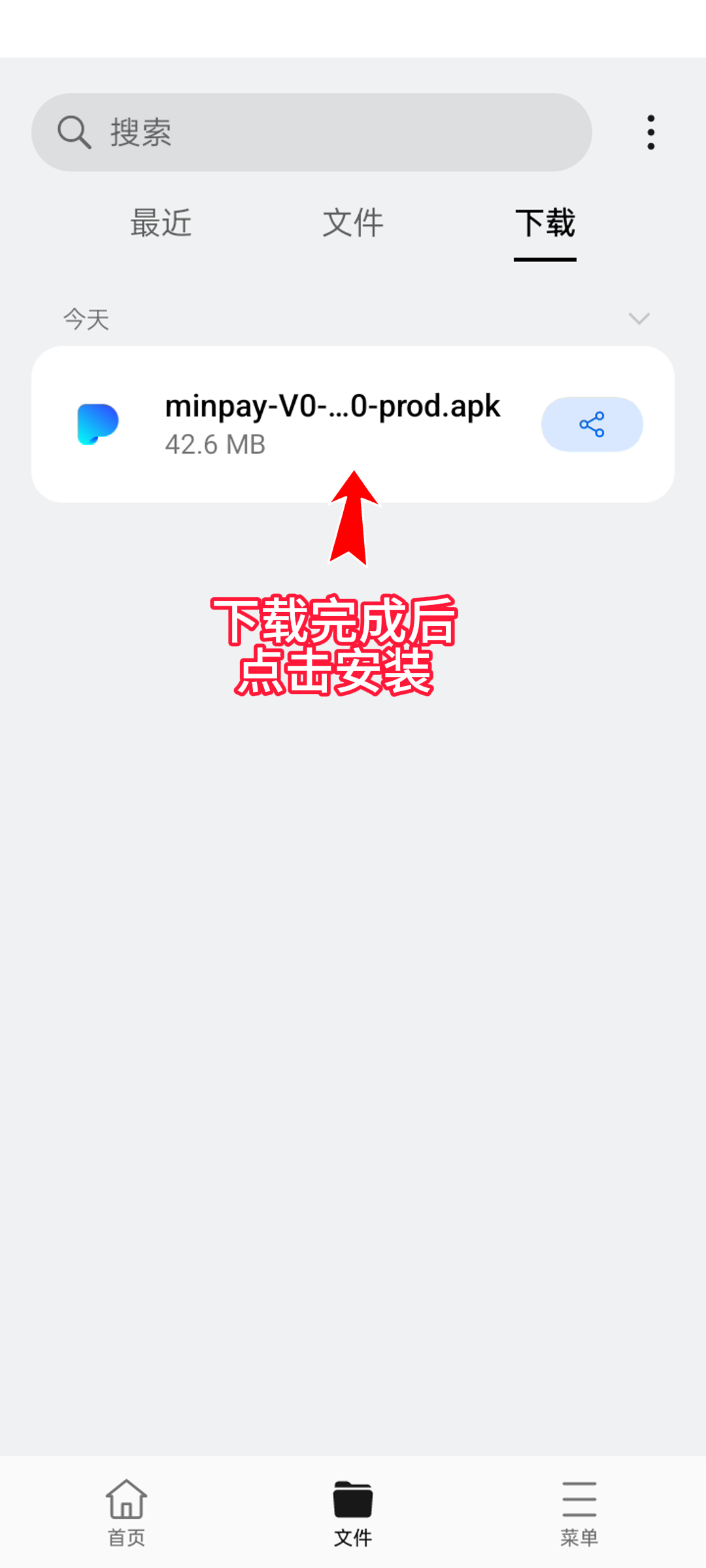
7. After the download is complete, click Install
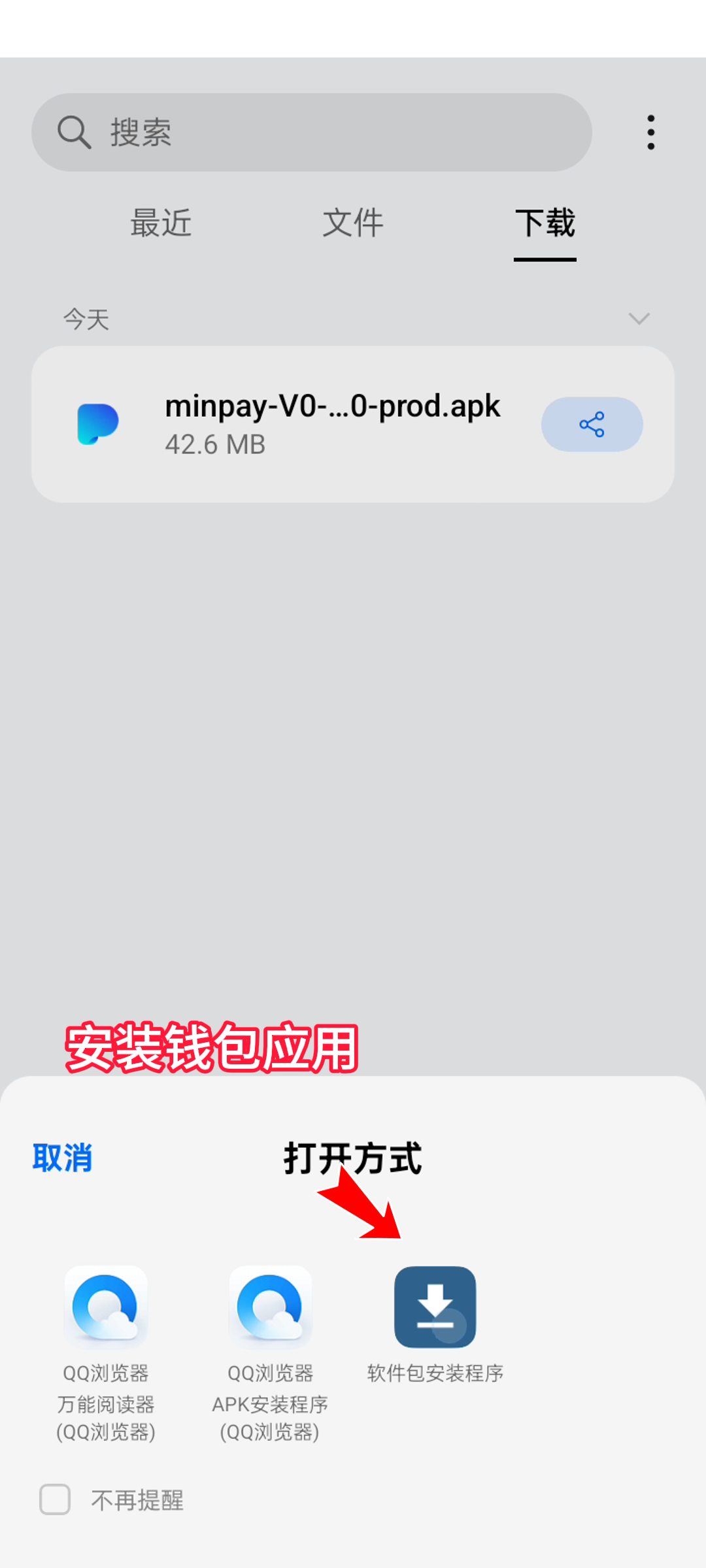
8. Install wallet application
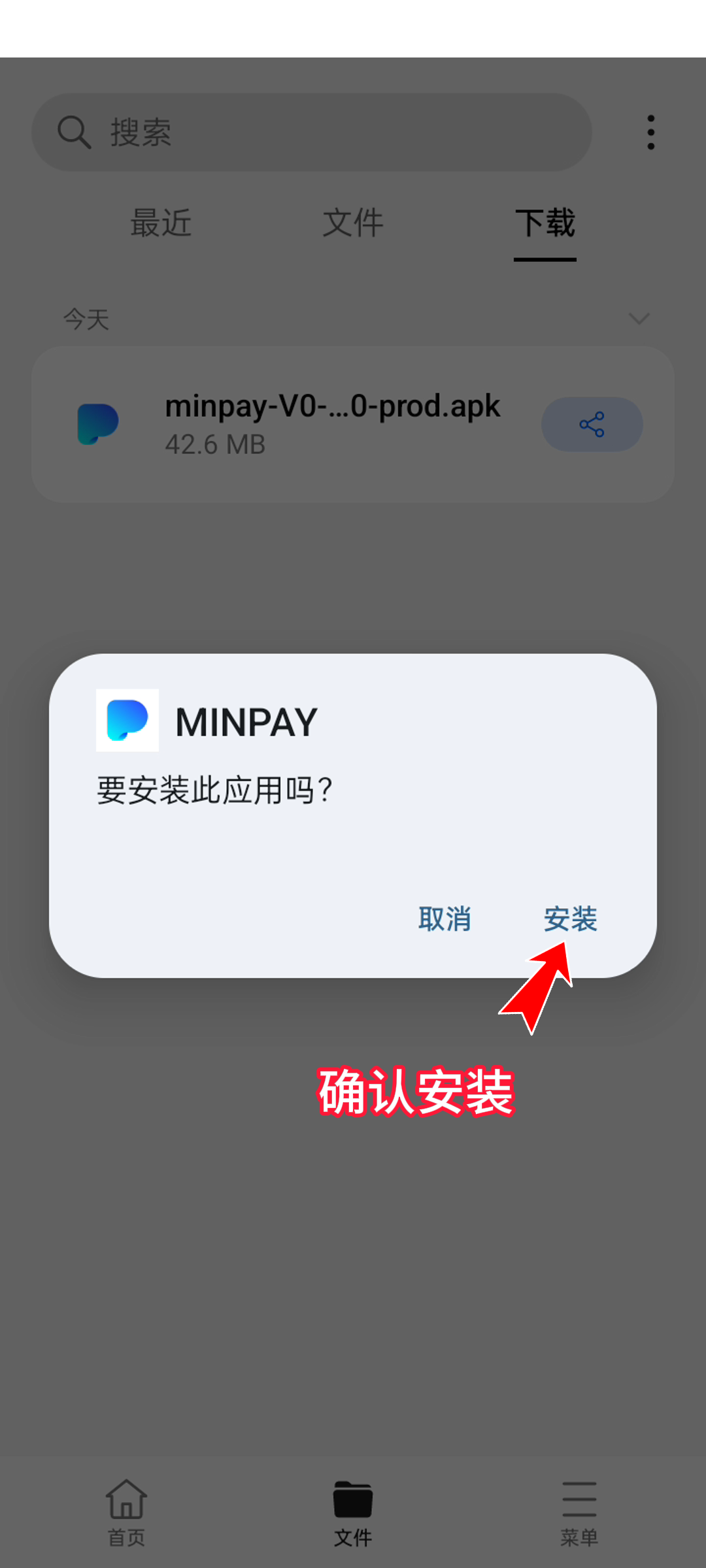
9. Click to install
10. Click to open details
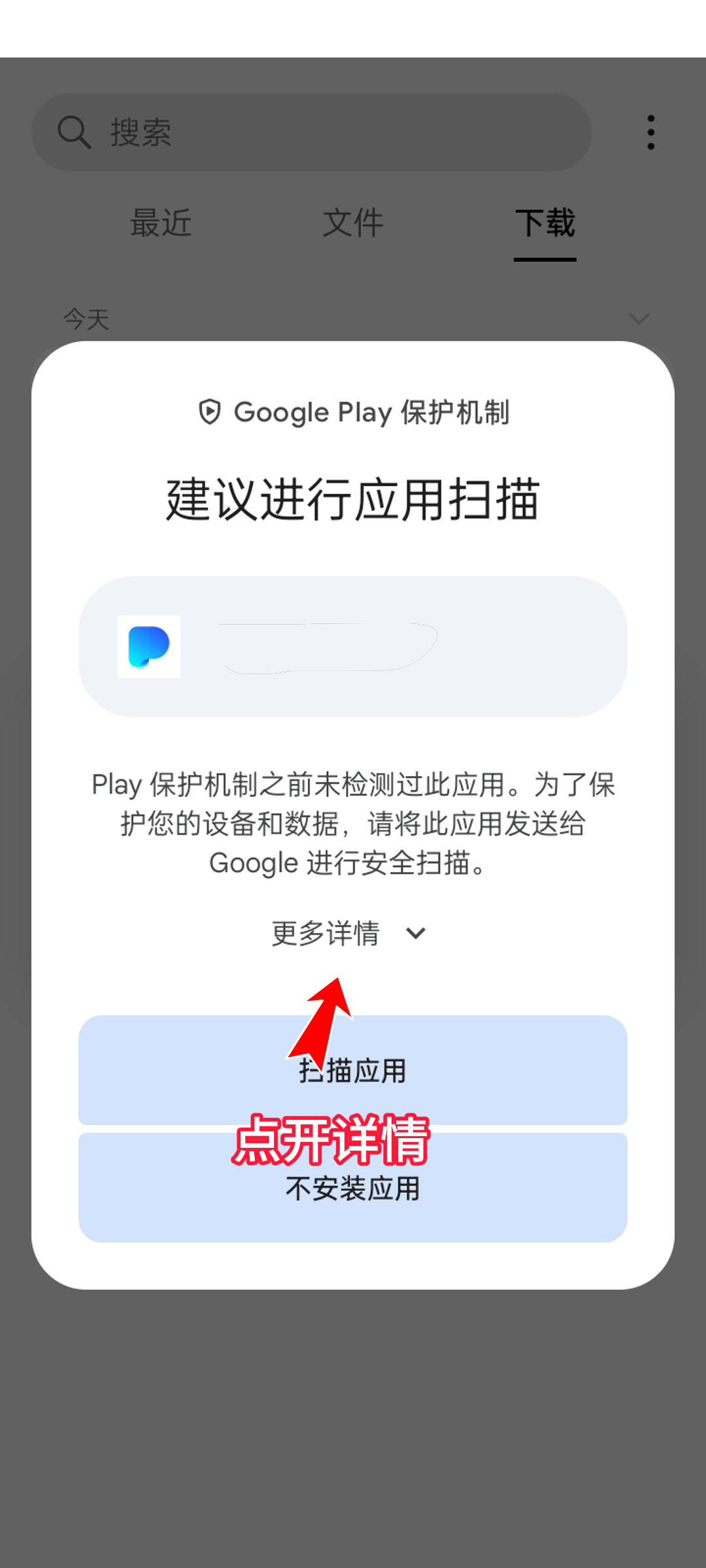
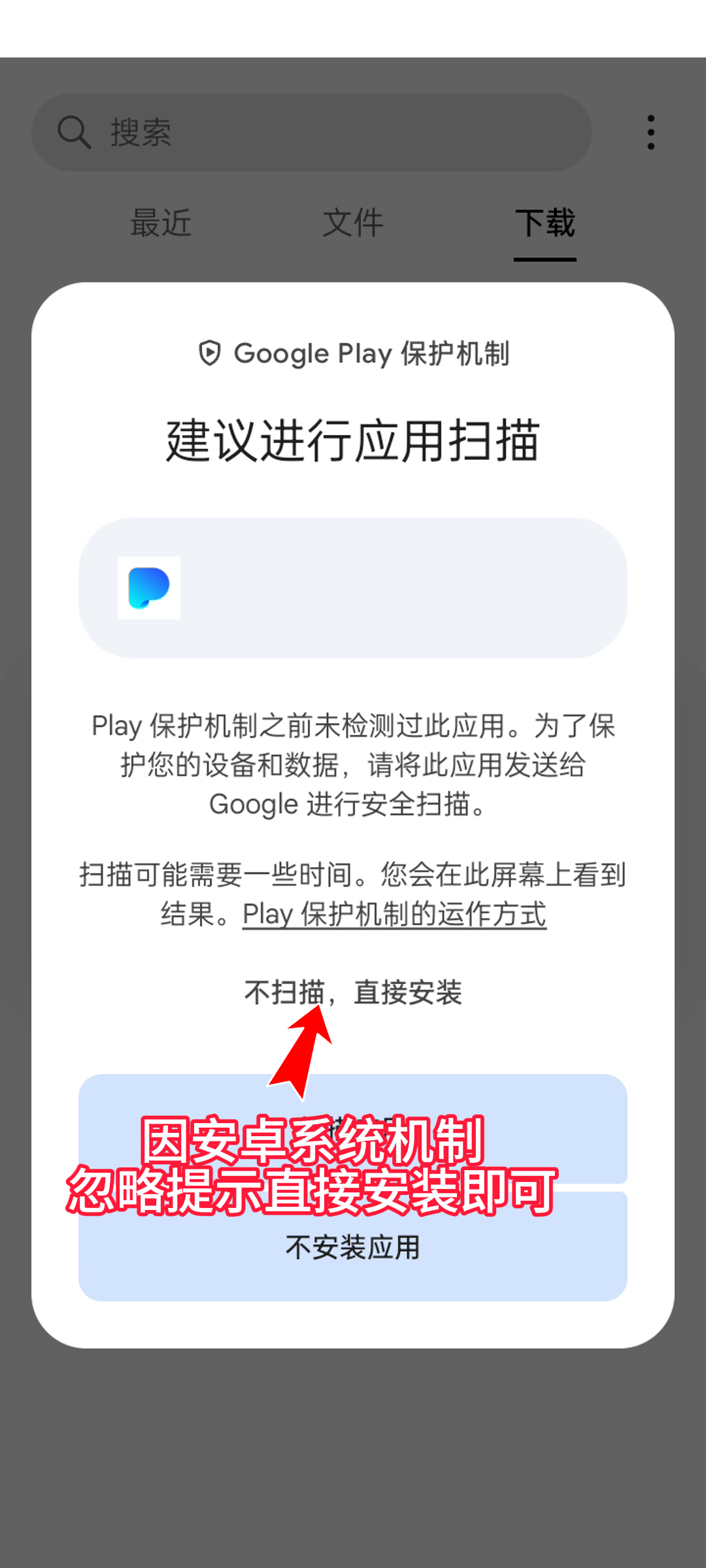
11. Ignore the prompts and install directly.
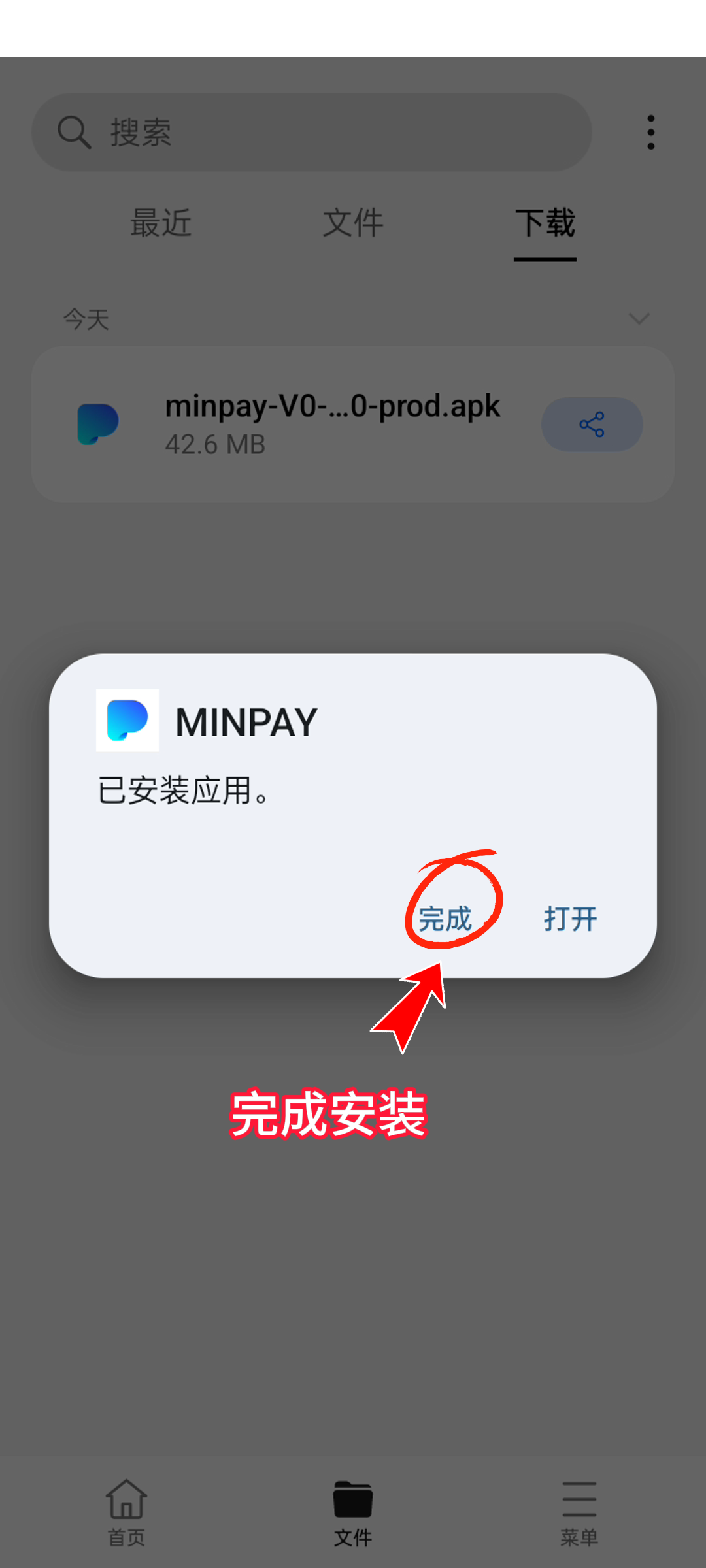
12. Complete the installation
13. Start your wallet journey
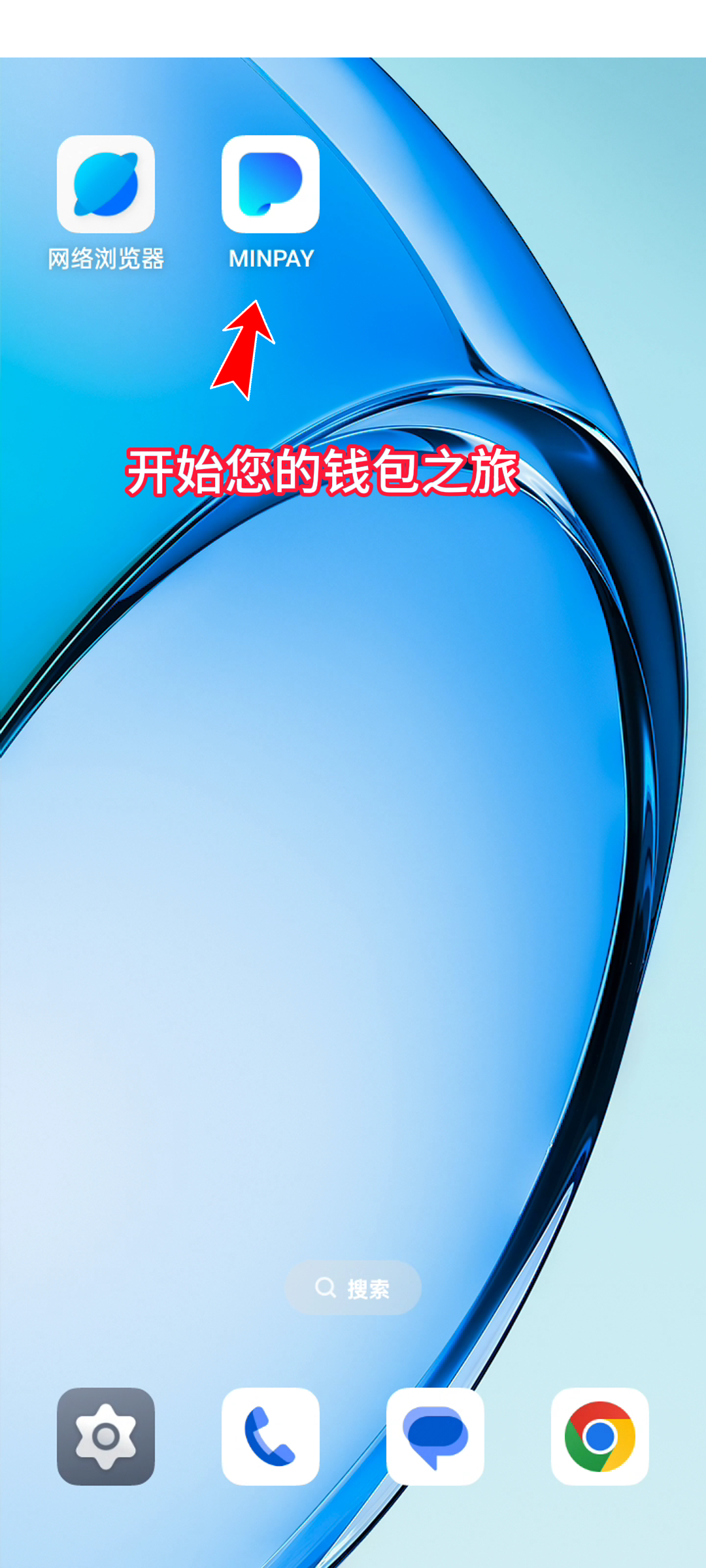
14. Start your wallet journey